Case Studies
AI Guard: Keeping AI Features from Running Up the Bill
Why public AI features get abused, how a checkpoint before every model call keeps spend in check without blocking real customers, and what we learned testing it on real chat traffic.
Every AI feature on a website has a meter running. Each chat reply, summary or generated answer is a paid call to a model provider, and the person typing on the other end decides how many of those calls you pay for. That works fine until the person is a script. We built AI Guard at Omega Concepts after watching how easily a public AI feature can be turned into somebody else’s free API, and we now run it in front of the chat assistants we host.
Where AI features leak money
The leaks we see fall into three groups. The first is the public endpoint: a chat bubble, a demo or an AI search box that works without logging in. Limiting requests per IP address barely slows an abuser down, because a list of proxy addresses costs almost nothing. The second is the account that isn’t what it seems: a stolen session inherits its owner’s quota, and generous free tiers get farmed by the hundred. A rate limiter that trusts your login trusts the attacker too. The third is the route nobody meant to expose: fast-built apps regularly ship an AI endpoint with no authentication at all, and nobody notices until the invoice arrives.
A checkpoint in front of every AI call
AI Guard is a small service your server calls before each request to a model. One check() sends the end user’s identity, address and the prompt, and gets back a decision: go ahead, slow down, use a cheaper model, or refuse. After the model replies, a record() reports what the call actually cost, so budgets stay accurate.
The decision weighs a risk score against what is at stake: the cost of the request times how fast that identity is going. A cheap question at a human pace gets slack; a fast stream of expensive requests gets scrutiny. The score comes from signals that don’t depend on your login being intact:
- Spend caps per end user, per site or feature and overall, checked before the call is made.
- Velocity of one identity, or of one shared address, compared with what people actually type.
- Account farms: many brand-new identities from one address, especially ones created minutes apart.
- Repetition and timing: the same prompt replayed, or requests spaced like a metronome.
- Trust: identities earn headroom by behaving well; new ones start small.
Two design choices matter most. AI Guard fails open: if it is ever slow or unreachable, the answer is “go ahead”, so our outage can never take your feature down. And it doesn’t keep conversations. Only a short fingerprint of each prompt is stored, to spot repeats, plus the first 500 characters of a flagged prompt, kept for 30 days so you can see why it was flagged.
Tested on real traffic before launch
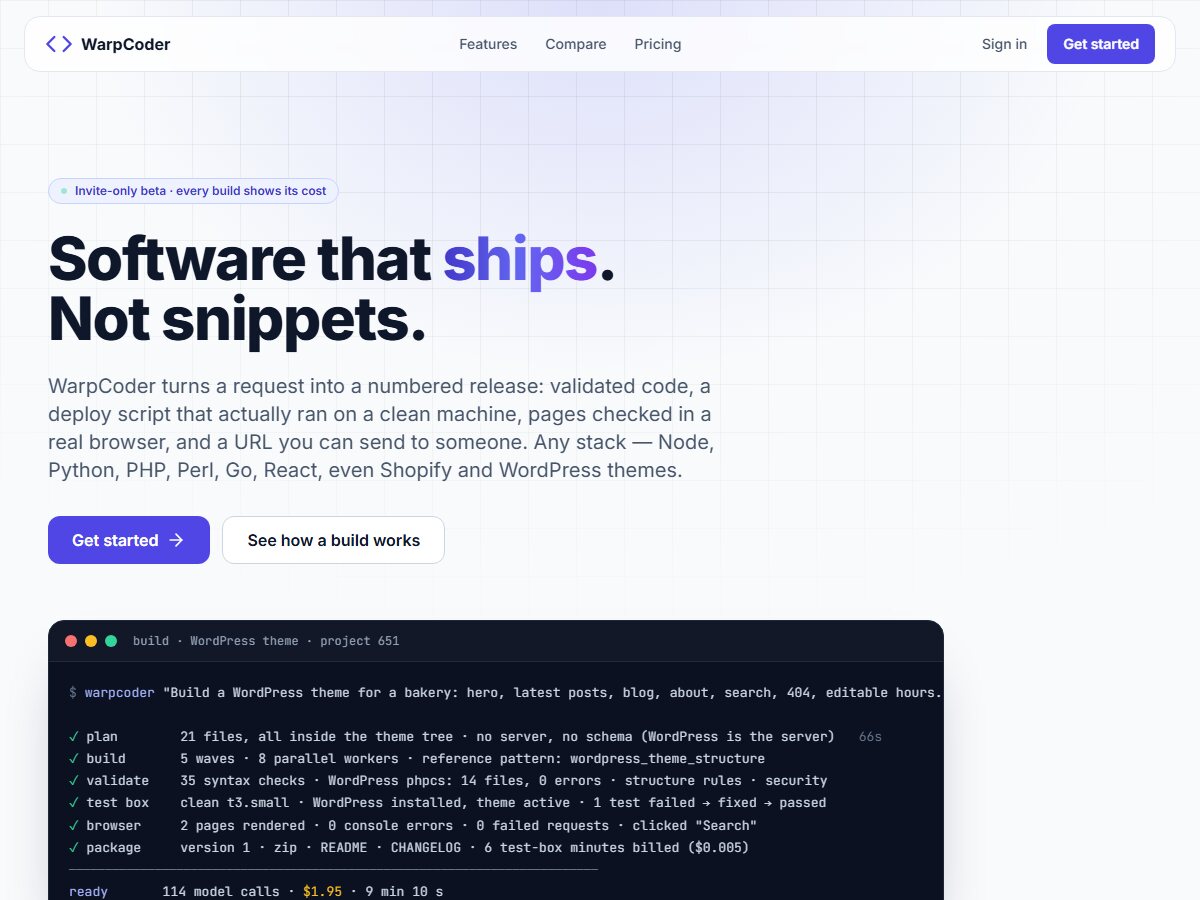
A protection layer that blocks real customers is worse than none, so before launching we replayed real traffic through the decision engine. Across 5,183 messages from 3,621 visitors of the chat assistants we run for businesses, 0.08% were slowed down for a couple of seconds, all of them people re-sending the exact same message, and none were refused. Across 959 prompts sent to our WarpCoder app builder, 1.8% were slowed and none were refused. Against the same engine, a script replaying one prompt forty times was blocked, and forty brand-new accounts created on one address within a minute were stopped.
It is fast enough to sit in front of a live chat: decisions take about 3 milliseconds on the server, and the whole round trip from a customer’s server is typically well under the time it takes the model to start answering.
One dashboard for many sites
Our own chat assistant runs on many businesses’ websites from one codebase, so that is how we connected it: one AI Guard account, with each business’s site as its own line. The dashboard shows checks, decisions, spend let through and refused, tokens, a breakdown by site, the visitors with the most flags, and every flagged request with the signals behind it in plain language. It opens with a separate view-only key, so a shared dashboard link can show the numbers but can’t spend the account’s quota.
We kept the integration small on purpose. Developers handle three answers: allow, throttle and block. The proof-of-work challenge, where the visitor’s browser solves a small puzzle that is free for people and costly for scripts at volume, is something each account switches on only when its code is ready for it.
Start with a free scan
If you run an AI feature, start with the free AI endpoint scanner. It reads your homepage and its scripts, then reports AI routes that answer without credentials, gates that only check a header any script can forge, and AI provider keys exposed in your JavaScript. When you’re ready to put a checkpoint in front of your AI, the free tier covers 100,000 checks a month, and the integration guide shows the two calls it takes.