App Development
Online Ticketing for Small Events: What to Build In From Day One
Plan ticket discovery, purchase states, delivery records, and the event-day workflow before an attendee’s first purchase.
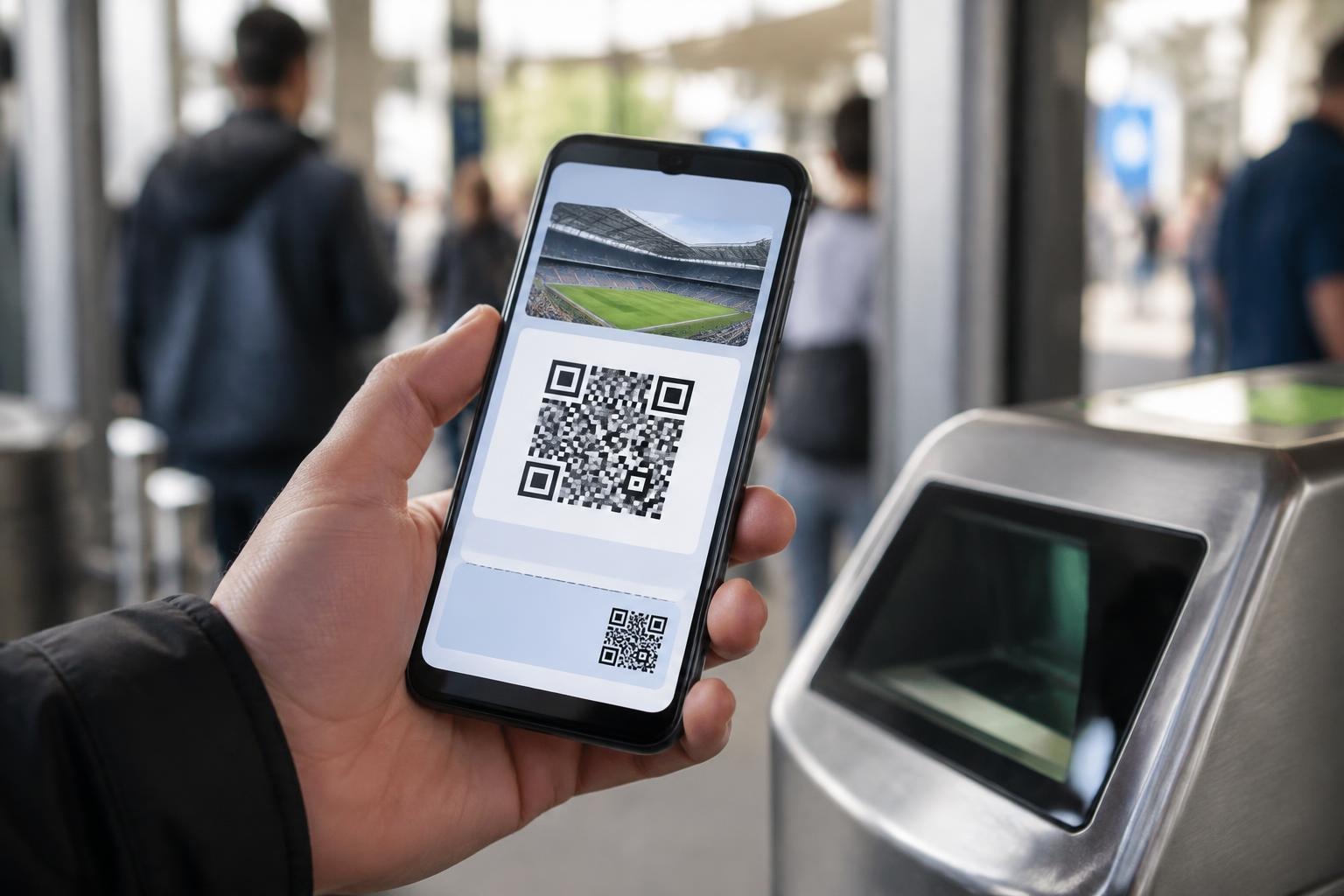
For a small event, online ticketing must keep the public purchase path, attendee record, and organizer workflow in sync. We plan those pieces before choosing colors or adding a payment button, because a ticket is both a promise to the buyer and a record staff may need at the door.
Start with the event record
Make one event record the source for the title, description, venue, start time, time zone, ticket options, and sale status. If the same details are typed separately into a landing page, checkout screen, confirmation email, and staff list, they will drift. A late venue update is then a manual search across copies rather than one controlled change.
We define which fields organizers can edit after sales open. Changing a typo is not the same as changing the date or location. Keep a change history for operational fields, make a clear decision about whether buyers need an email when a material detail changes, and show the current value on the public event page.
Separate discovery from organizer access
Attendees should be able to understand what an event is before being asked to create an organizer account. The public page needs enough information to answer: who is hosting, where and when it happens, what a ticket covers, and whom to contact with an access question. Organizer tools belong behind a separate authenticated path.
On Ticket Place, a visitor can start with “Search Events” and browse upcoming listings; sign-up and login appear as separate public navigation actions. Its pricing and features page describes online ticketing for both organizers and attendees. That separation is a useful design example: discovery has a public route, while account actions remain distinct.
For a new event product, we map the attendee journey from a shared event link to the final confirmation. We also map the organizer journey from creating the event to reviewing what has sold. These are different user roles and should not accidentally share the same empty state or navigation.
Make ticket rules explicit
A checkout should not leave buyers guessing about ticket names, access, or timing. If an organizer offers several ticket types, describe the difference in plain language and state any eligibility condition near the selection. Keep the price, fee treatment, sale window, and quantity limit visible before payment. Do not rely on a tooltip that disappears on a phone.
Decide how the system treats a ticket that is selected while another buyer completes checkout. Inventory needs a server-side reservation or final confirmation rule so two simultaneous purchases cannot both claim the last available place. Show a hold timer only if the system actually expires the reservation; otherwise avoid promising a period that is not enforced.
For limited capacity, establish what happens when the event sells out. A waitlist is a separate workflow: it needs consent, contact details, an ordering rule, and a clear message that joining is not a ticket. If there is no waitlist, show the sold-out state rather than leaving a purchase control that fails at the final step.
Design checkout for recovery
Ask only for information needed to issue and support the ticket. A name and email may be enough for a basic admission flow; additional fields should have an operational reason. If one person buys for a group, decide whether each attendee needs a separate name or whether the order contact manages all tickets.
Keep the payment provider responsible for sensitive card entry. The ticket application should receive a payment result from a verified provider callback, record the order state, and send the confirmation only after the transaction is accepted. If a browser closes during payment, the buyer should be able to return to an order status page rather than pay again because the first result is uncertain.
We make retries safe. A repeated callback or browser refresh should not issue duplicate tickets. Give each checkout attempt an idempotency key, tie it to an order, and record transitions such as pending, paid, failed, refunded, or cancelled. The exact states depend on the payment provider and event policies, but the public message must match the stored state.
Plan for event-day use
The door workflow has different constraints from the checkout page. Staff may be on a phone, share a connection, or work from a printed list if the venue network is unreliable. Decide how a ticket is found, how the system marks an attendee as admitted, and how staff handle a duplicate or misspelled name.
If ticket codes are used, make them hard to guess and check them on the server. A scan should confirm the event and ticket status, not merely display an image. For an offline mode, define how scans are stored and reconciled later so a disconnected device does not silently admit the same ticket twice.
Prepare a short staff checklist: open the event, confirm the door list is current, test one valid ticket, test one already-used ticket, and identify a manual escalation path. Do not use real attendee data for a test unless the organizer has approved it.
Give organizers useful records
Organizers need to answer practical questions: how many tickets are in each state, which orders need attention, and what changed since the last review? A dashboard should distinguish issued tickets from pending payment and refunds. Exported files should include only fields the recipient needs, use clear headings, and avoid exposing payment credentials or unrelated personal details.
Set expectations about refunds, cancellations, and event changes in the event’s own terms. The software can display and apply a policy; it cannot decide the organizer’s policy for them. Record who made an administrative change and when, particularly if it affects attendee access or money.
Pre-launch ticketing checklist
- Confirm event title, venue, local time zone, and ticket descriptions in every public view.
- Test a successful payment, a declined payment, a refresh, and a repeated provider callback.
- Verify that a sold-out event cannot issue another ticket through a stale checkout page.
- Check the confirmation link and the organizer’s attendee list using a test order.
- Review who can change event details, issue refunds, export records, or admit a ticket manually.
- Test the door workflow on the devices and network the staff expect to use.
We build event software through our development service and can map a ticketing workflow with you through our contact page. The practical takeaway: write down the attendee, organizer, payment, and door states first, then test one complete event from public listing through entry before inviting real buyers.